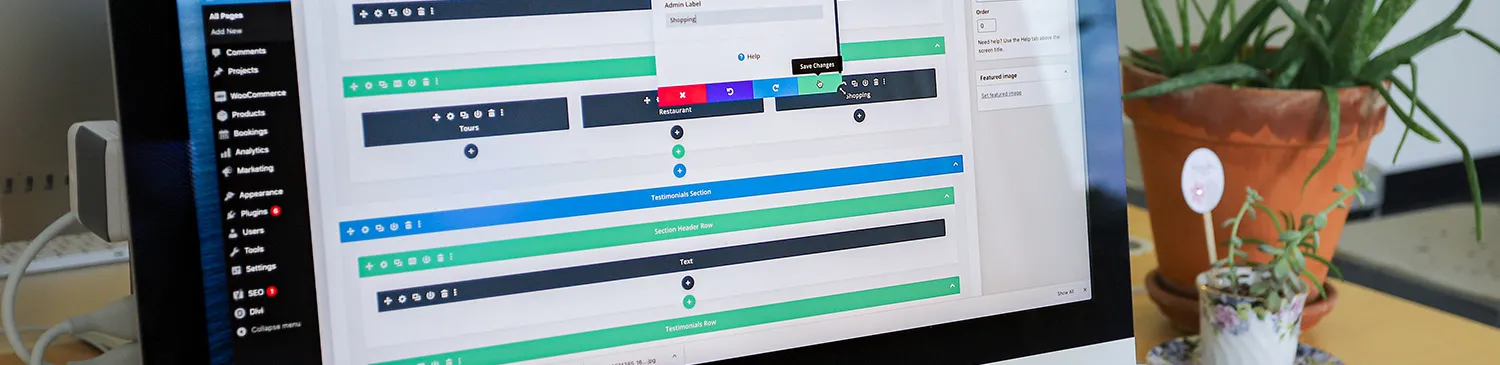

Adding a “Blog/News Featured Image” can spice up any blog. The “Blog/News Featured Image” will be the first thing that people see once they click to read that blog. This means that the title of the blog will no longer be at the top, the featured image will be above the title. So if you want the title to be above the image, be sure to add the image in with the text, not as a featured image.
To add a featured image you go to the section that says “Blog/News Featured Image” and you can upload a new file/image, drag and drop the file/image you want, or choose an existing file (one that has already been uploaded to the featured image space).

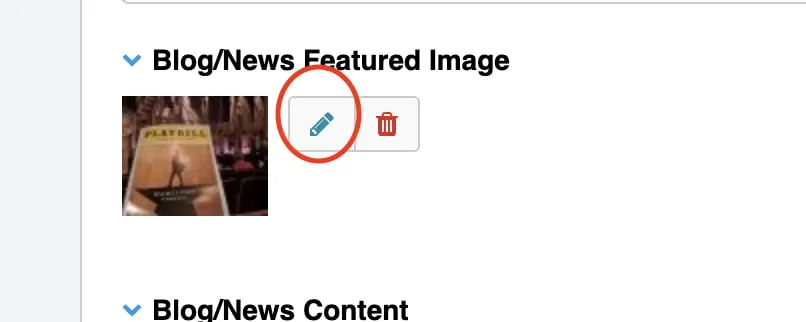
Then if you choose to change the image you will hit the little pencil, and upload/choose a new image.
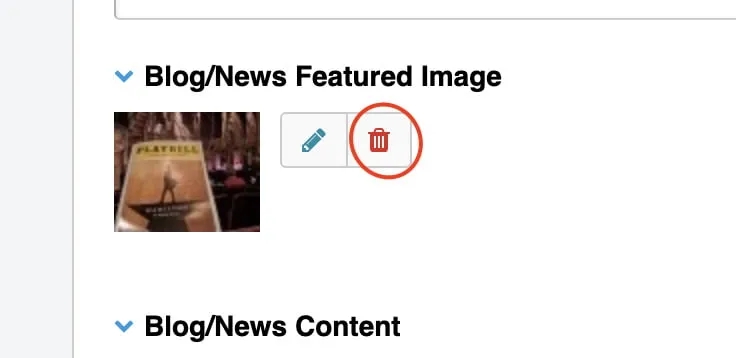
To delete the image you will just hit the red trash can icon next to the image.
Featured images are pretty straightforward, but if you run into any problems when trying to add a “Blog/News Featured Image” or any other questions about web design in Oklahoma City please reach out to myheartcreative.