TL;DR: Managing a WordPress site doesn’t require technical expertise—just some foundational knowledge, a backup habit, and knowing when to call in help. This covers the basics every non-technical business owner should know.
Managing a WordPress website without a technical background comes down to a handful of habits: understanding the dashboard’s basic shape, backing up before making changes, and knowing when an edit crosses into territory that calls for a professional. None of it requires becoming your own webmaster. Good web design OKC businesses can rely on doesn’t have to mean you’re locked out of your own site; it means you understand enough to move confidently within it.
Tip #1: Know What You’re Actually Looking At
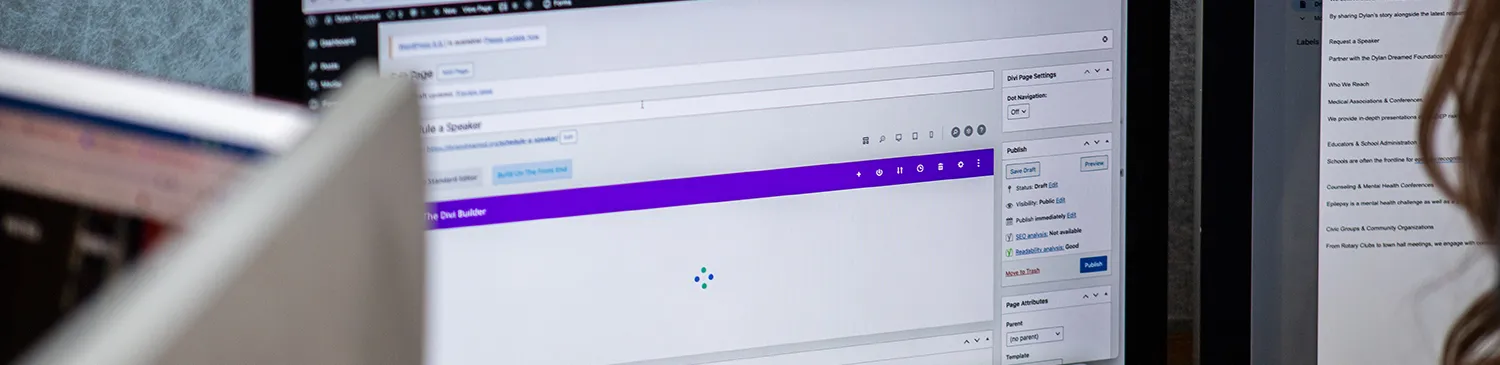
WordPress can feel like a black box until you understand its basic shape. The dashboard is your control room, the block editor is where content gets built, and plugins are the add-ons that extend what your site can do. You don’t need to understand the code underneath any of it. You just need to know which lever does what before you start pulling on things.
The Block Editor Isn’t as Scary as It Looks
Every piece of content on a modern WordPress web design OKC—text, images, buttons—lives inside its own block. Once you get comfortable moving blocks around, adding one, or deleting one, editing a page stops feeling like a technical task and starts feeling like arranging furniture. Small edits, done carefully, are usually safe territory for a non-technical user.
Tip #2: Back Up Before You Touch Anything
This is the single habit that saves the most headaches. A current backup of your site means a mistake is an inconvenience that can be restored instead of a crisis. Most managed hosting plans, including ours at myheartcreative, include regular backups as a part of hosting, but it’s worth confirming rather than assuming.
Tip #3: Know the Difference Between Editing and Building
Changing a sentence, swapping a photo, or updating a phone number are safe, everyday updates. Restructuring a page, installing a new plugin, or adjusting theme settings is a different category of task entirely—one where a small misstep can cascade into a layout problem or a security gap. That’s usually the point where it makes sense to loop in creative web designers who already know how your specific site is built.
Plugins Are Powerful, but Restraint Matters
Every plugin you add is another piece of software that needs to stay updated and compatible with everything else running on your site. A lean plugin list is easier to maintain and less likely to break something unexpectedly. If you’re not sure whether a plugin is still doing anything useful, that’s worth asking our team rather than guessing.
When It’s Time to Call in Web Design OKC Help
There’s a real difference between confidently managing day-to-day content and troubleshooting a site that’s slow, broken, or behaving strangely. Some examples include:
- Your website suddenly looks different after an update.
- A page won’t load, displays an error message, or shows a blank screen.
- Contact forms stop sending submissions.
- Images disappear or fail to upload properly.
- Your website becomes noticeably slower than usual.
- You receive security warnings or suspicious login notifications.
- A plugin update causes features or layouts to stop working correctly.
If you’ve hit that second category, working with WordPress web designers near me who understand the architecture—not just the surface—will save you far more time than trial and error.
A quick consult with an experienced web design OKC team often resolves in an afternoon what could otherwise eat an entire week of guesswork. That kind of support is worth having on call, even if you rarely need it.
Frequently Asked Questions
How often should I be updating WordPress?
Plugin and core updates are best handled on a regular schedule, ideally monthly, with security patches applied as soon as they’re available. Due to the importance and intricacy surrounding updates and security, a professional web developer is the best person to handle this.
When you host your website with myheartcreative, our team conducts regular monthly maintenance to ensure your site, including plugins and themes, is updated and secure.
What’s the most common mistake non-technical users make?
Editing live without a backup in place. The second most common is installing plugins to solve a problem that a simple settings change could have handled instead. Before installing any plugins, discuss and troubleshoot with your web design OKC team first.
Can I really break my website by editing a page?
It’s uncommon with straightforward text or image edits, but it does happen—usually when a block gets nested incorrectly or a theme setting gets changed without understanding its reach. That’s why a backup habit matters more than perfection.
Key Takeaways
- WordPress’s dashboard, block editor, and plugins are simpler once you understand their basic roles.
- Always make sure your site has a backup before making any changes beyond simple text or image edits.
- Everyday edits, like text or photos, are safe; structural changes, like plugins or theme settings, carry more risk and call for a professional.
- Keep your plugin list lean—every plugin you add is another piece of software to maintain.
- When something breaks or your site starts behaving strangely, WordPress web designers near me can usually resolve it faster than trial and error.
Editing Your Website Shouldn’t Require a Computer Science Degree
If you’ve been avoiding your own website out of fear you’ll break something, that hesitation is usually a sign the site wasn’t built by the right web design OKC partner in the first place. A well-structured WordPress build should feel approachable for the person actually running the business day to day, not just for the developer who built it.
At myheartcreative, we build sites with that person in mind from the start—clean structures, sensible content areas, and documentation that makes sense to someone who isn’t a developer. As creative web designers, we care as much about how a site feels to manage as how it looks on launch day.
If your current site leaves you afraid to log in, and you’d rather have WordPress web designers near me double-check the build, start a project with us and let’s build something you can actually manage.